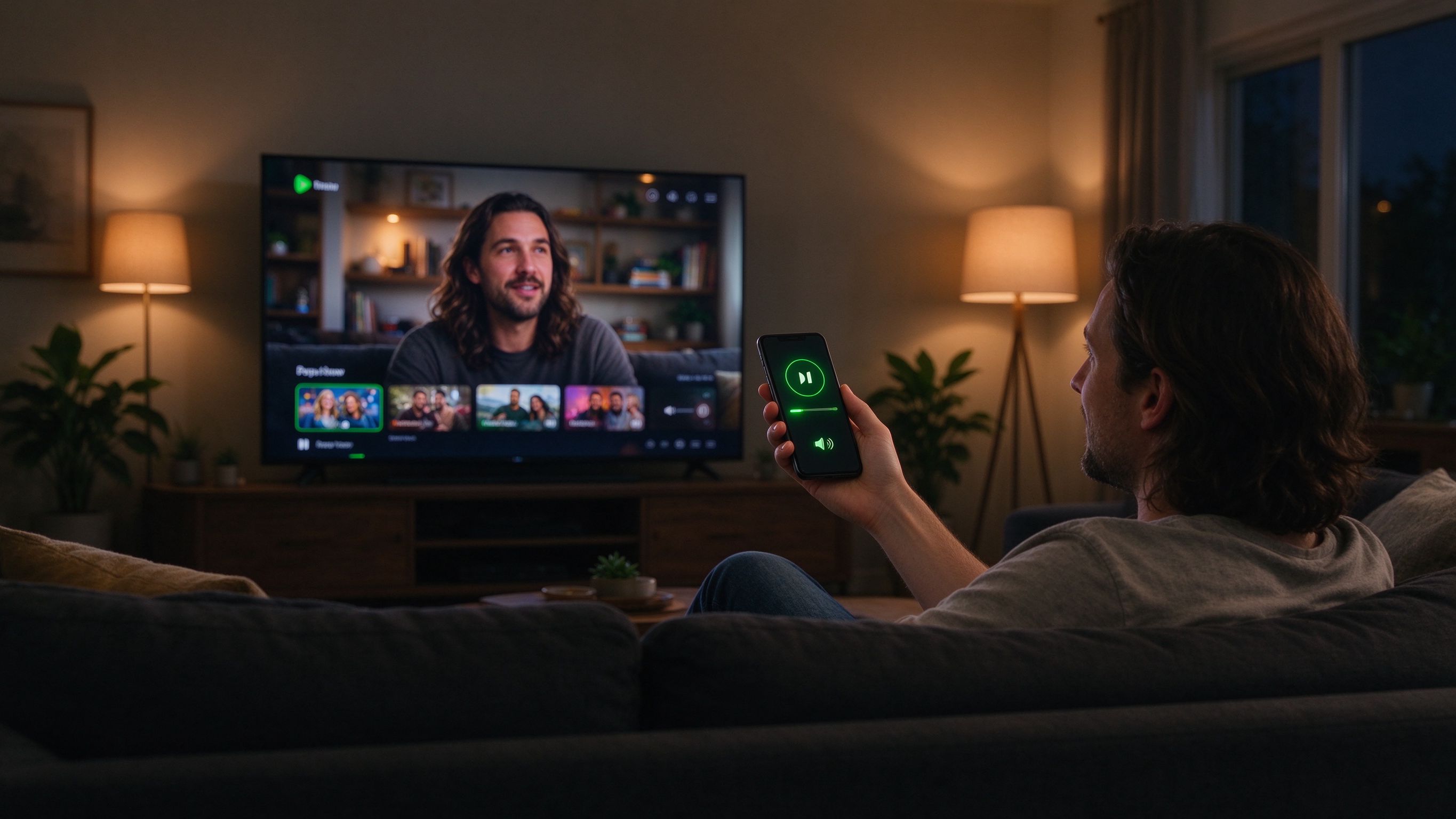
Searching for something to watch usually means tapping letter by letter on a tiny remote. With AirBee Deck, your phone becomes a real keyboard and trackpad for your TV and Apple TV.
Install on your TV
Open your TV or Apple TV's app store, install the AirBee Deck receiver, then open the app on your phone and pick it from the device list. Once they're on the same network, you're connected.
Type, don't tap
In any search box on screen, just type on your phone. Your keyboard appears wherever the cursor is, so searching your favourite shows takes seconds instead of minutes.
Works from across the room
Your phone becomes a trackpad that reaches across the couch. Swipe to browse, tap to select, scroll through menus — all from the spot you're already sitting in.